【Hexo】Butterfly主题在主页添加GitHub贡献日历
【Hexo】Butterfly主题在主页添加GitHub贡献日历
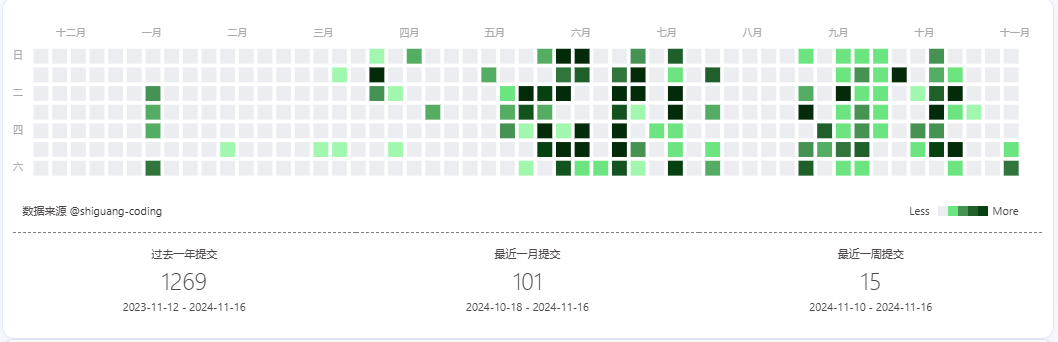
時光本文介绍如何在博客添加GitHub贡献日历(github calendar),中间踩了一些坑,特写此篇,以作记录,效果如下
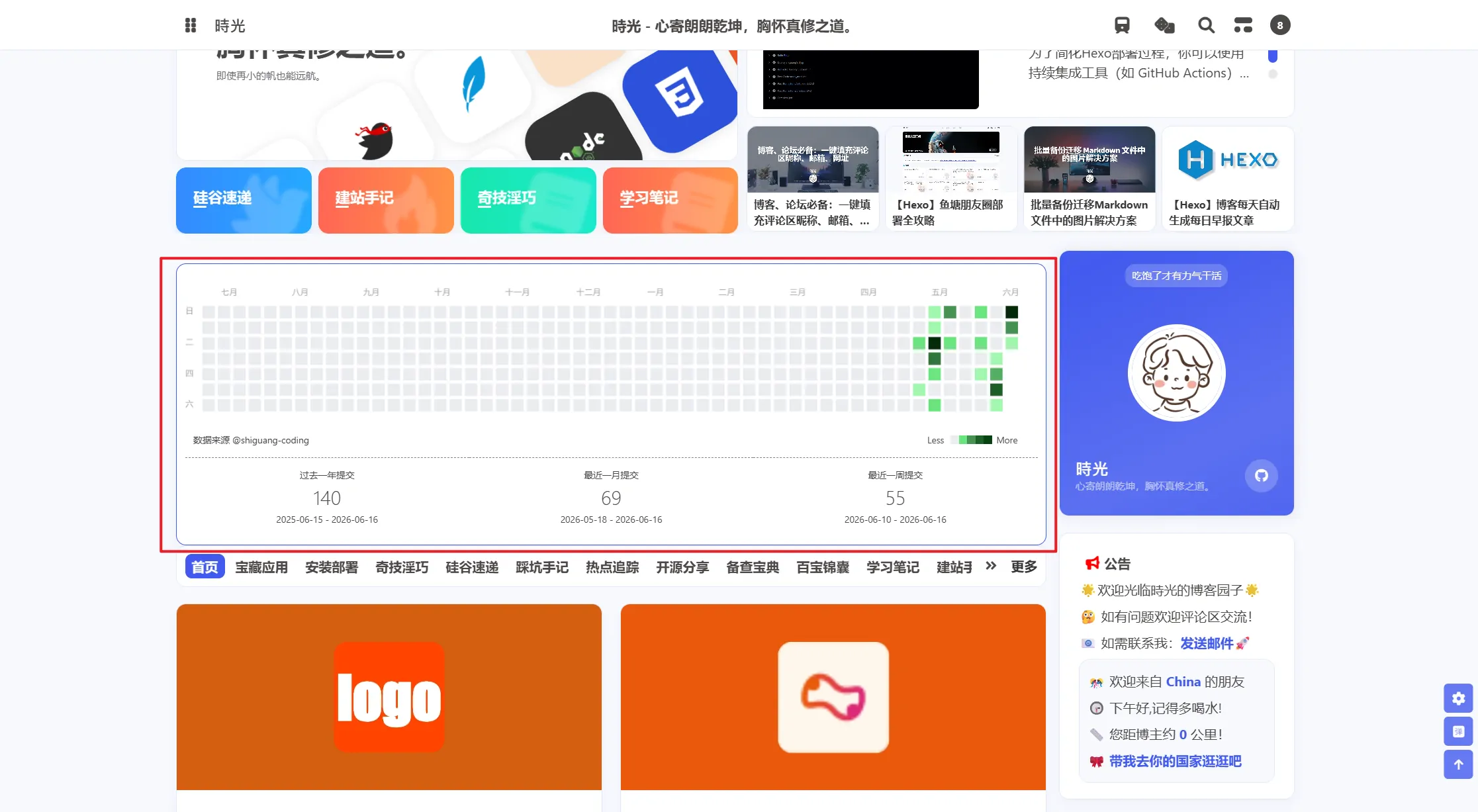
2026-06-16 最新配置(推荐)
原上游项目 Barry-Flynn/python_github_calendar_api 和前端插件 @barry-flynn/hexo-github-calendar 已存在兼容性问题(Python 依赖过旧导致 Vercel 部署 500、GitHub 前端改版导致爬虫失效、Retina 屏幕下月份标签和鼠标悬浮提示错位)。以下是我基于上游 Fork 后的修复版本,项目演化链路为:Zfour/hexo-github-calendar → Barry-Flynn → 我的 Fork。
后端 API
我已在 Vercel 部署了修复后的 API,自定义域名为:
1 | https://github-calendar.shiguang666.eu.org/api |
如果你也想自建,Fork Shiguang-coding/python_github_calendar_api 到自己的 GitHub,然后在 Vercel 导入部署即可(Python 项目,无需配置 Node.js 版本)。部署后记得在 Vercel 项目的 Settings → Domains 绑定自定义域名(添加 CNAME 记录指向 cname.vercel-dns.com)。
相对上游的主要改动:
- 重写爬虫:原版正则已无法匹配 GitHub 当前 HTML 结构。改用
/users/{username}/contributions页面的data-date属性获取完整日期,配合<tool-tip>元素提取贡献数量。 - 更新 Python 依赖:旧版
urllib3<2.0在 Python 3.12 下崩溃,升级为urllib3>=2.0.0、requests>=2.31.0。
详见仓库 README。
前端配置
在 Hexo 根目录 _config.yml 中添加:
1 | githubcalendar: |
安装插件:
1 | npm i @shiguang-coding/hexo-github-calendar --save |
下载修复后的 hexo_githubcalendar.js 到主题 source/js/ 目录下。该 JS 文件修复了两个 Retina 屏幕下的 bug:
- 月份标签位置偏移(
github_calendar_c.width使用了缩放后的值) - 鼠标悬浮提示日期错位(
getMousePos坐标转换使用了缩放后的值)
注意:如果你使用的是安知鱼主题(anzhiyu),JS 文件路径为
themes/anzhiyu/source/js/hexo_githubcalendar.js。重装 npm 插件不会覆盖本地 JS 文件。
构建并预览:
1 | hexo clean && hexo g && hexo s |
以下为 2024 年原版配置(仅供参考)
需要用到的插件及API (这是博主 百里飞洋 基于原开源插件hexo-github-calendar及APIpython_github_calendar_api改造后的,截至目前原项目工具仍有问题,避个雷)
前端Hexo插件:https://github.com/Barry-Flynn/hexo-github-calendar
后端API部署:https://github.com/Barry-Flynn/python_github_calendar_api
作者: 百里飞洋 Barry-Flynn
链接: https://blog.meta-code.top/2022/03/15/2022-41/
来源: 百里飞洋
安装依赖
推荐使用我修复后的版本(已修复 Retina 高分屏月份标签偏移和 tooltip 错位问题):
1 | npm i @shiguang-coding/hexo-github-calendar --save |
或者从 GitHub 直接安装:
1 | npm i github:Shiguang-coding/hexo-github-calendar --save |
使用 cnpm:
1 | cnpm i @shiguang-coding/hexo-github-calendar --save |
添加配置
在 Hexo 项目根目录的 _config.yml 文件最后面添加如下配置(注意是在 Hexo 的配置文件中添加,而不是主题的配置文件)
1 | # hexo-github-canlendar |
下载 hexo_githubcalendar.js 到主题文件夹 source目录,例如 themes\butterfly\source\js
然后执行三连命令即可
1 | hexo clean && hexo g && hexo s |
自建API接口
由于我以及其他博主提供的公共API随时可能失效,所以推荐自建API接口,使用Vercel部署完全免费喔。
新用户可以直接用Github登录,建议重新用google账号或者其他国外账号重新注册个Github账号,因为我之前使用自己的Github账号登录时好像被拒绝了,可能是绑定了国内的邮箱,有地域限制之类的。
先将 Shiguang-coding/python_github_calendar_api Fork 到自己的Github(该仓库已修复 Python 3.12 兼容性和 GitHub 爬虫问题,可直接部署)
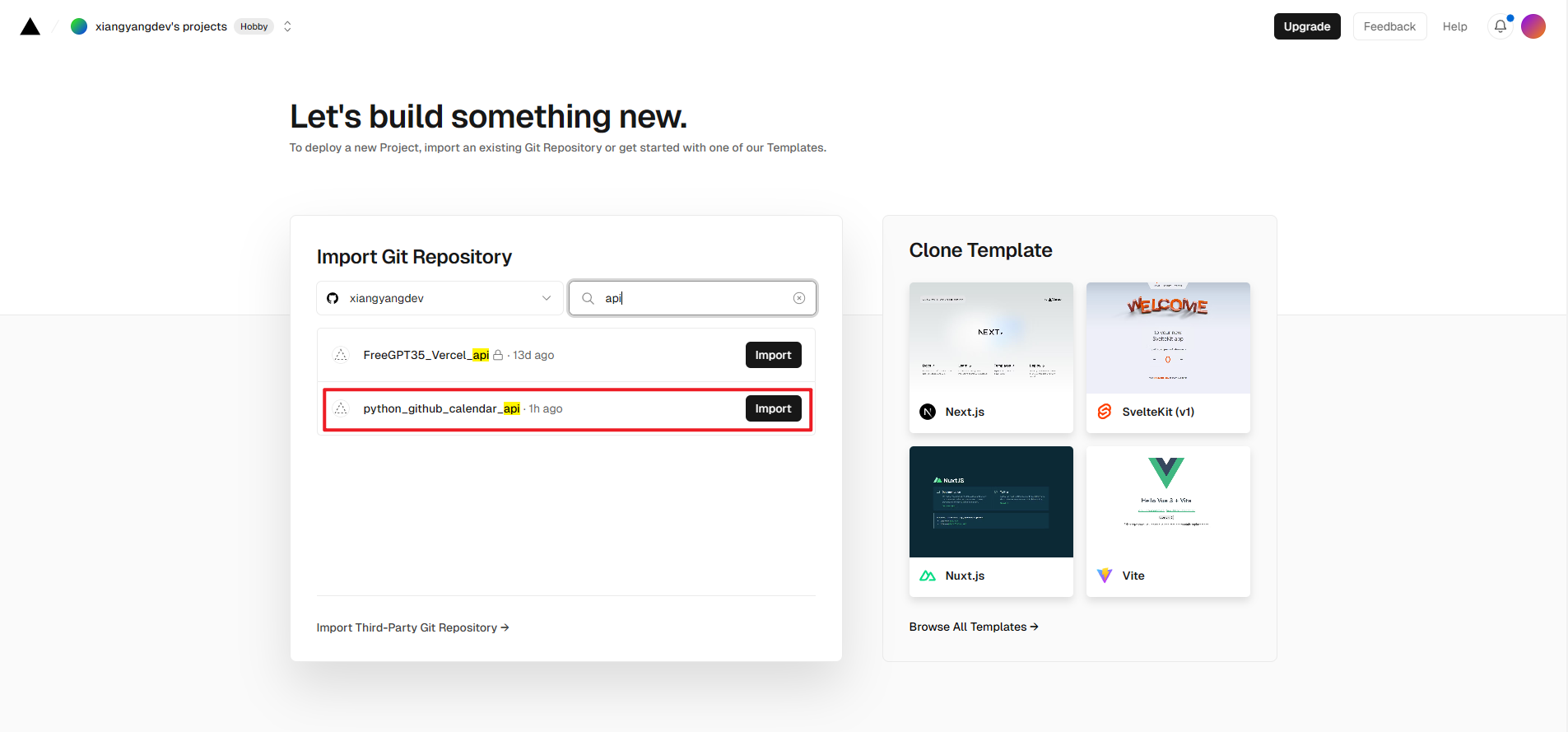
登录 Vercel Add New.. => Project
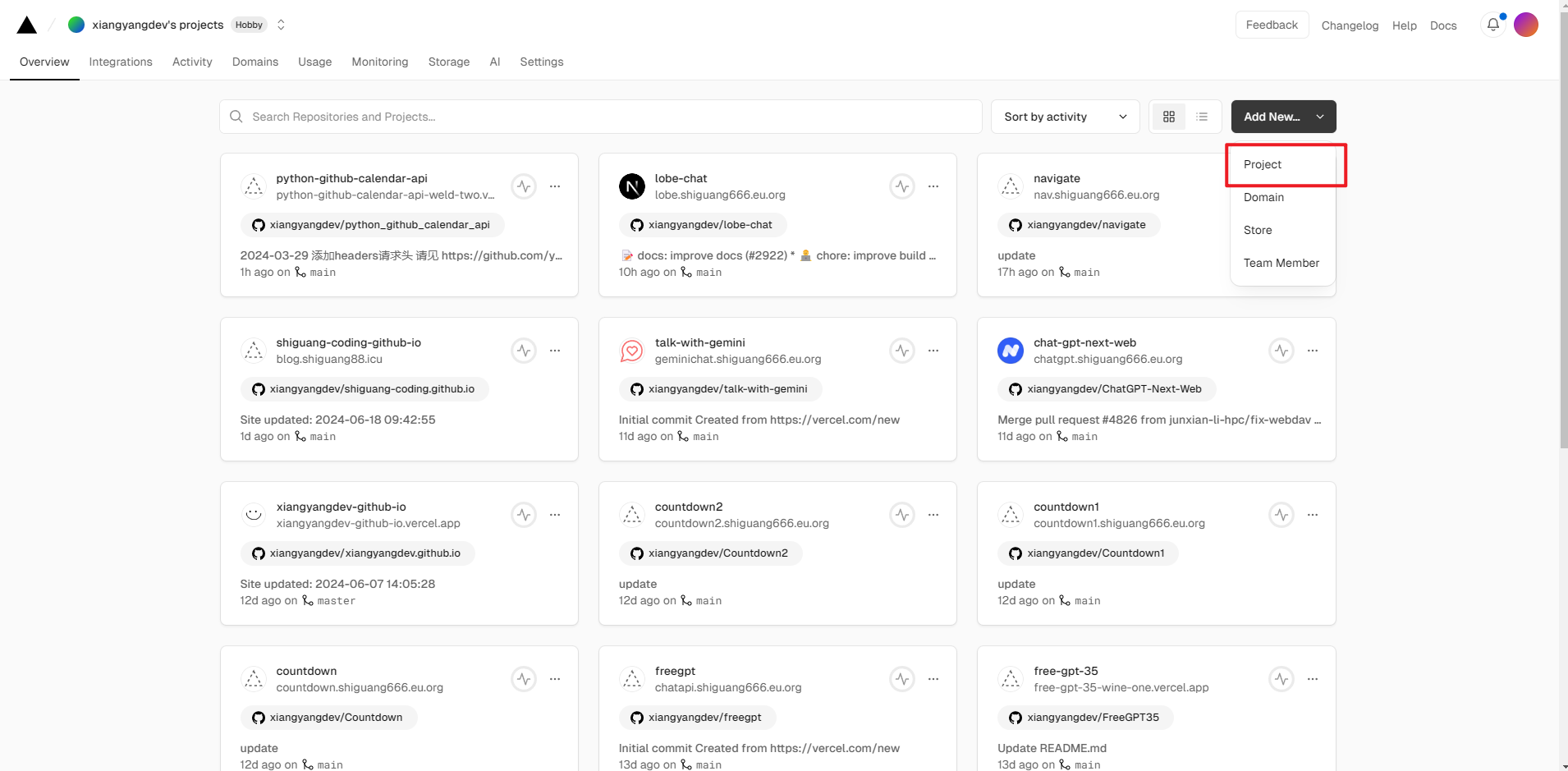
搜索刚才导入的项目,当然如果仓库不是很多的话可以直接看到最近创建的仓库,点击 import导入
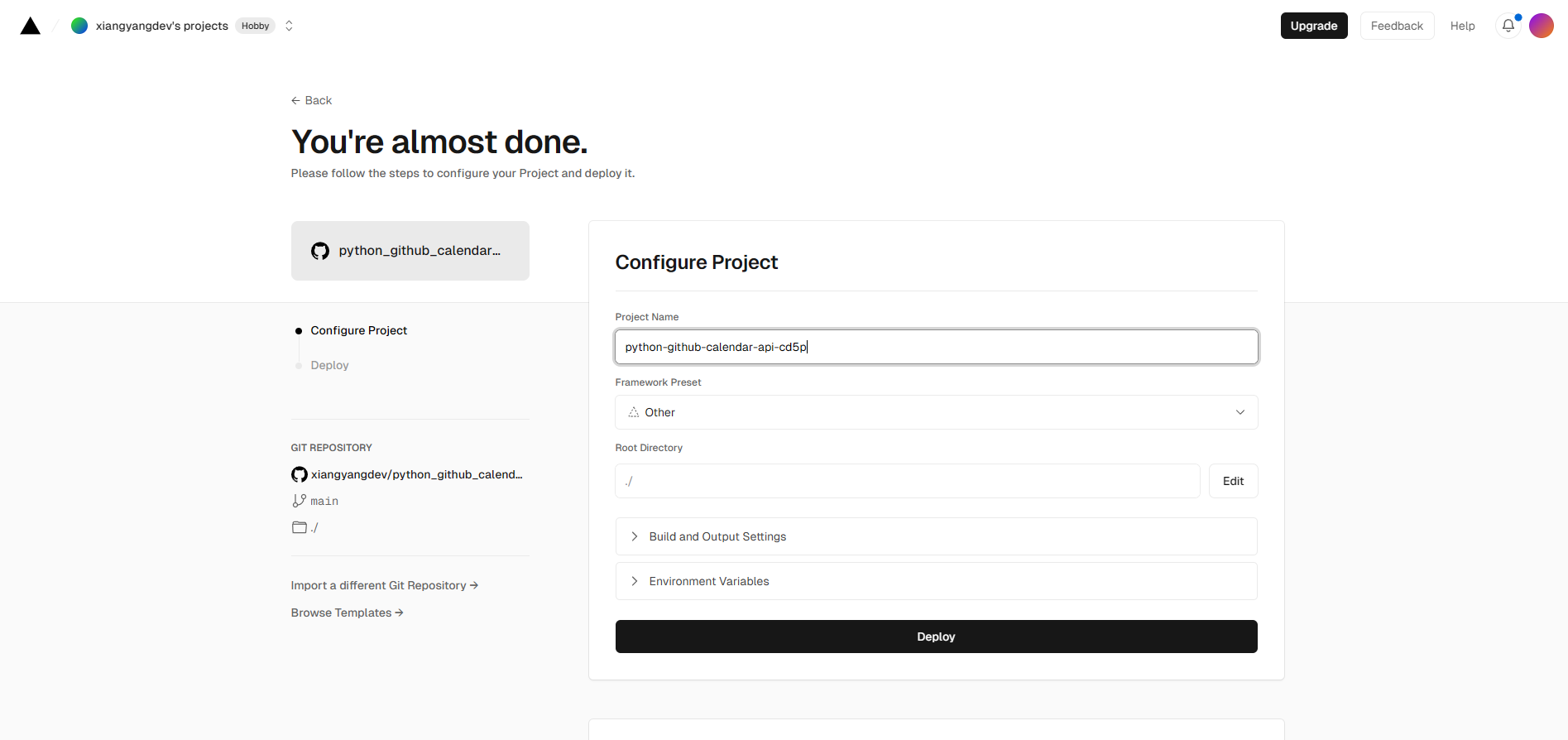
然后点击Deploy 进行部署
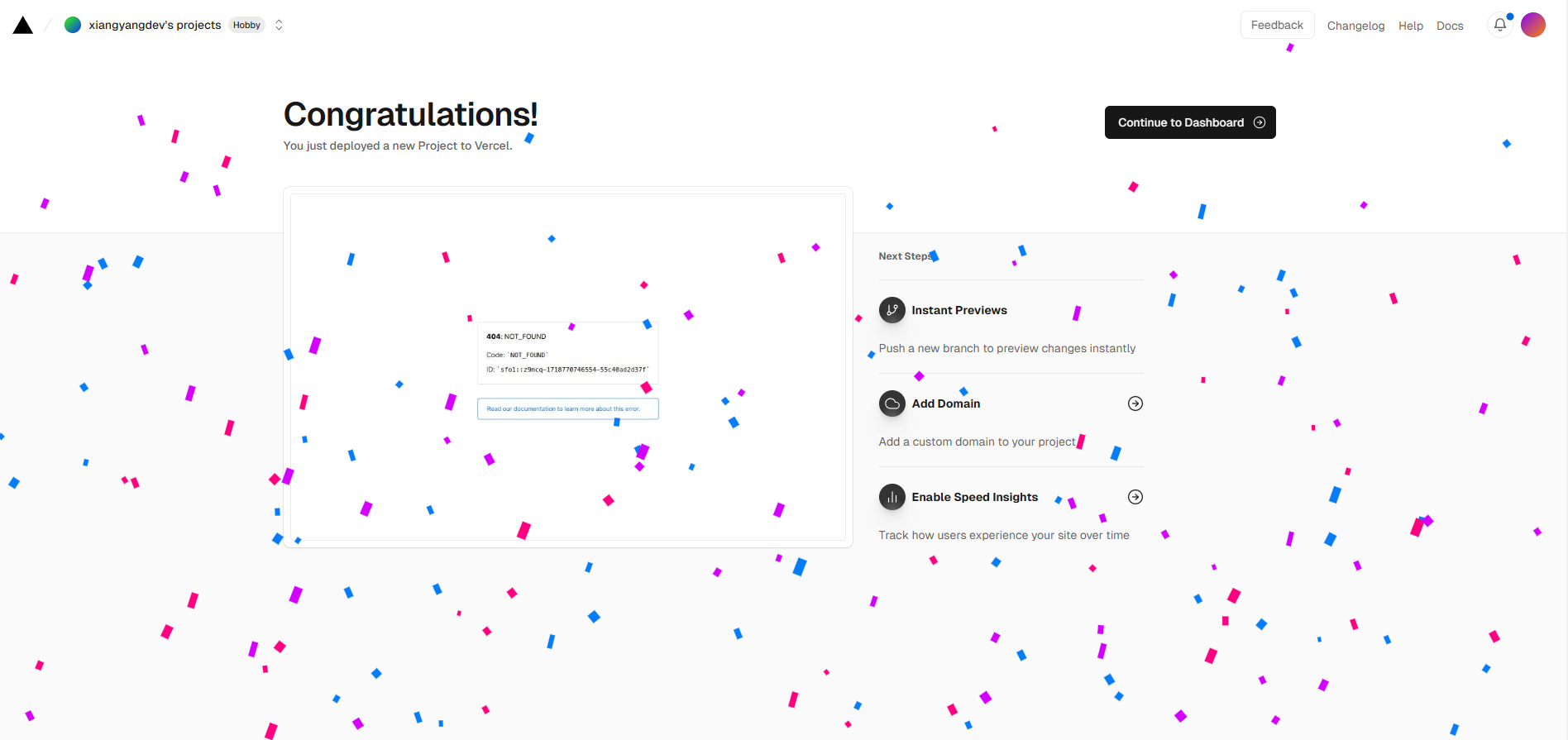
等待片刻出现撒花即部署成功
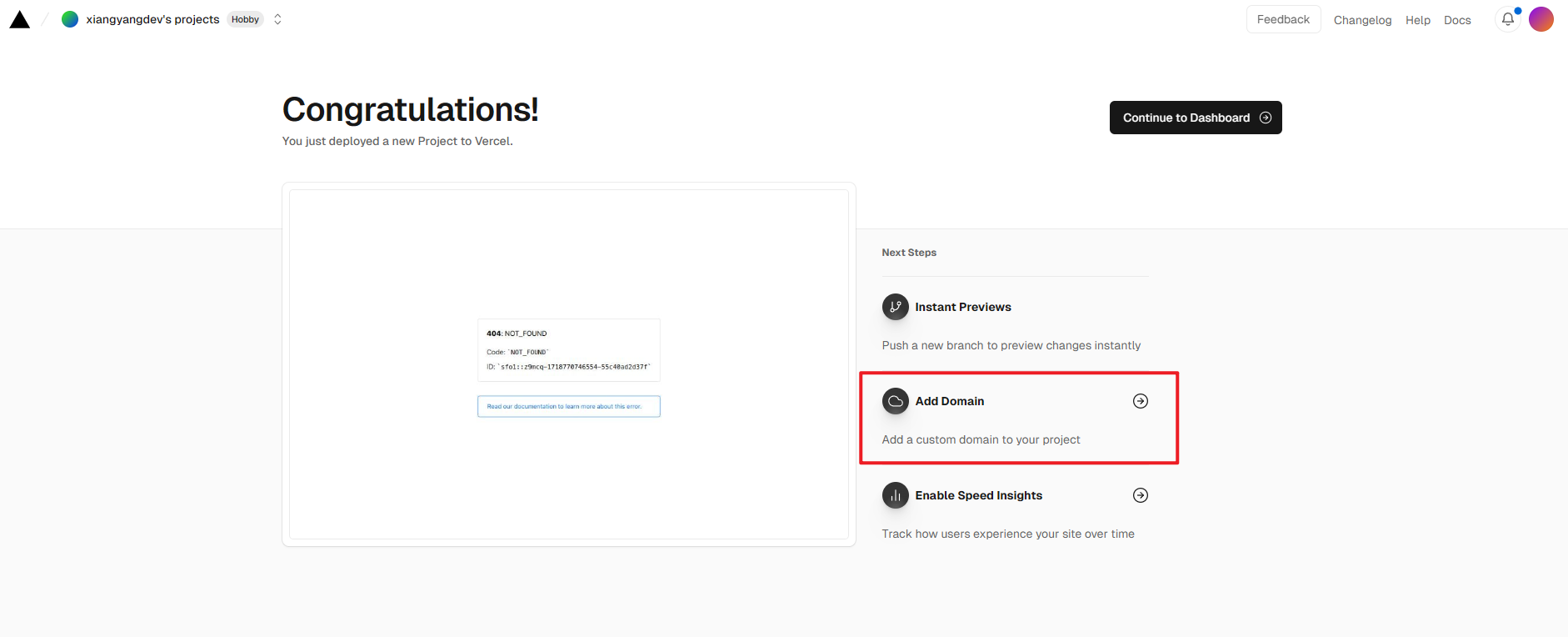
然后可以绑定自己的域名,否则服务可能会因为DNS污染导致被墙无法正常使用
可直接点击 Add Domain
或者到 Settings => Domains 添加域名
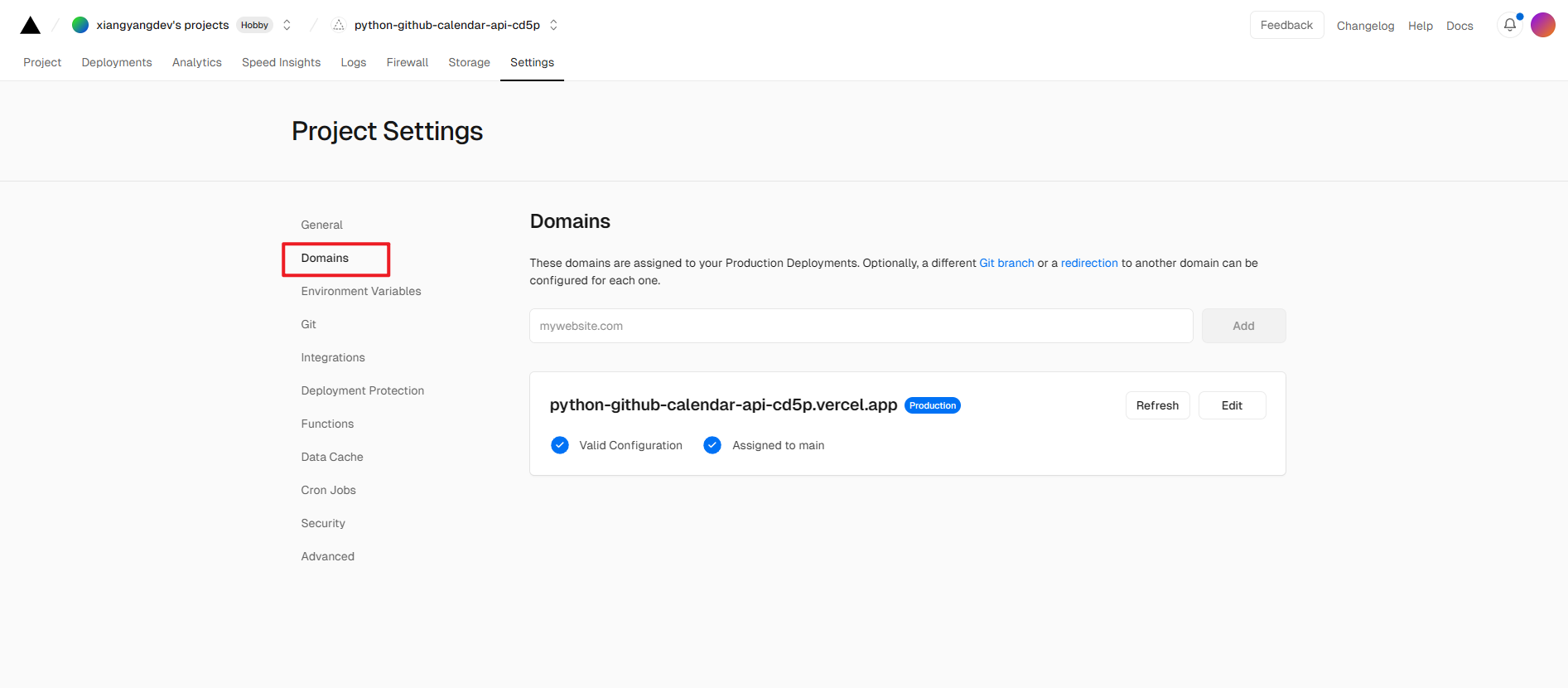
例如此处我要添加的域名为 shiguangcalendarapi.shiguang666.eu.org
添加后提示需要添加一条CNAME记录指向cname.vercel-dns.com
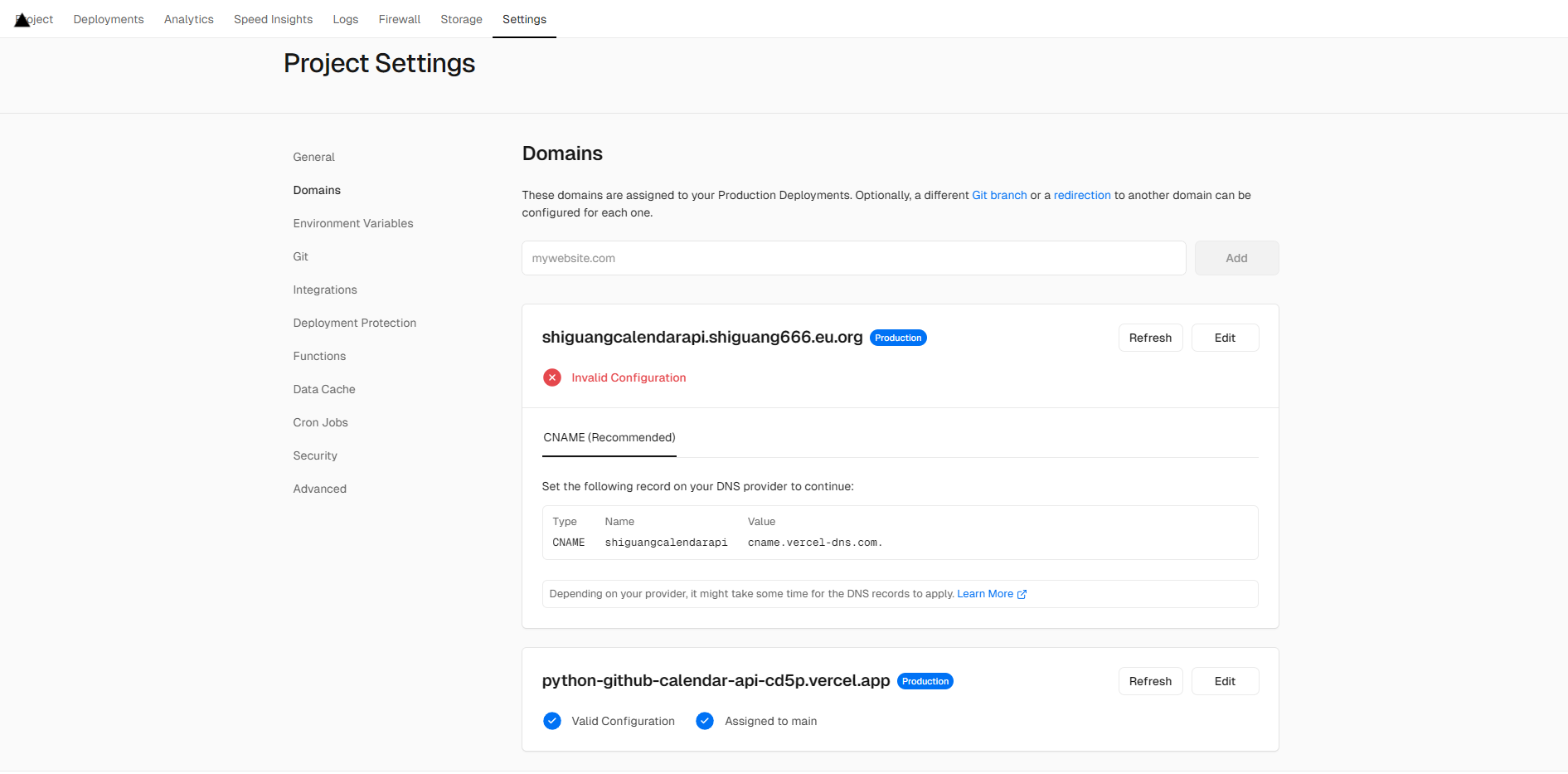
按照提示添加一条CNAME记录

为了提升访问速度也可以使用加速节点 vercel.cdn.yt-blog.top 或者 vercel.cdn.cyfan.top

关于加速节点的介绍可参考文章 推一下 Vercel 加速节点
或者使用IP进行解析,我们可以Ping一下 cname.vercel-dns.com 的ip为 76.76.21.22
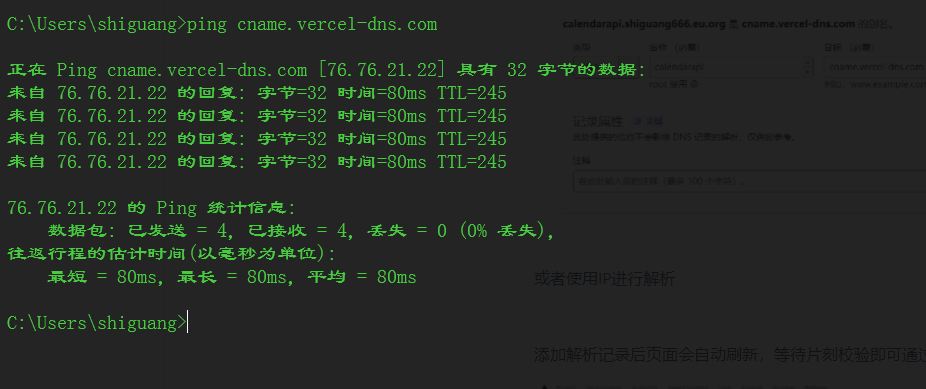
可以添加一条A记录指向 76.76.21.22 或者 76.76.21.21

添加解析记录后页面会自动刷新,等待片刻校验即可通过
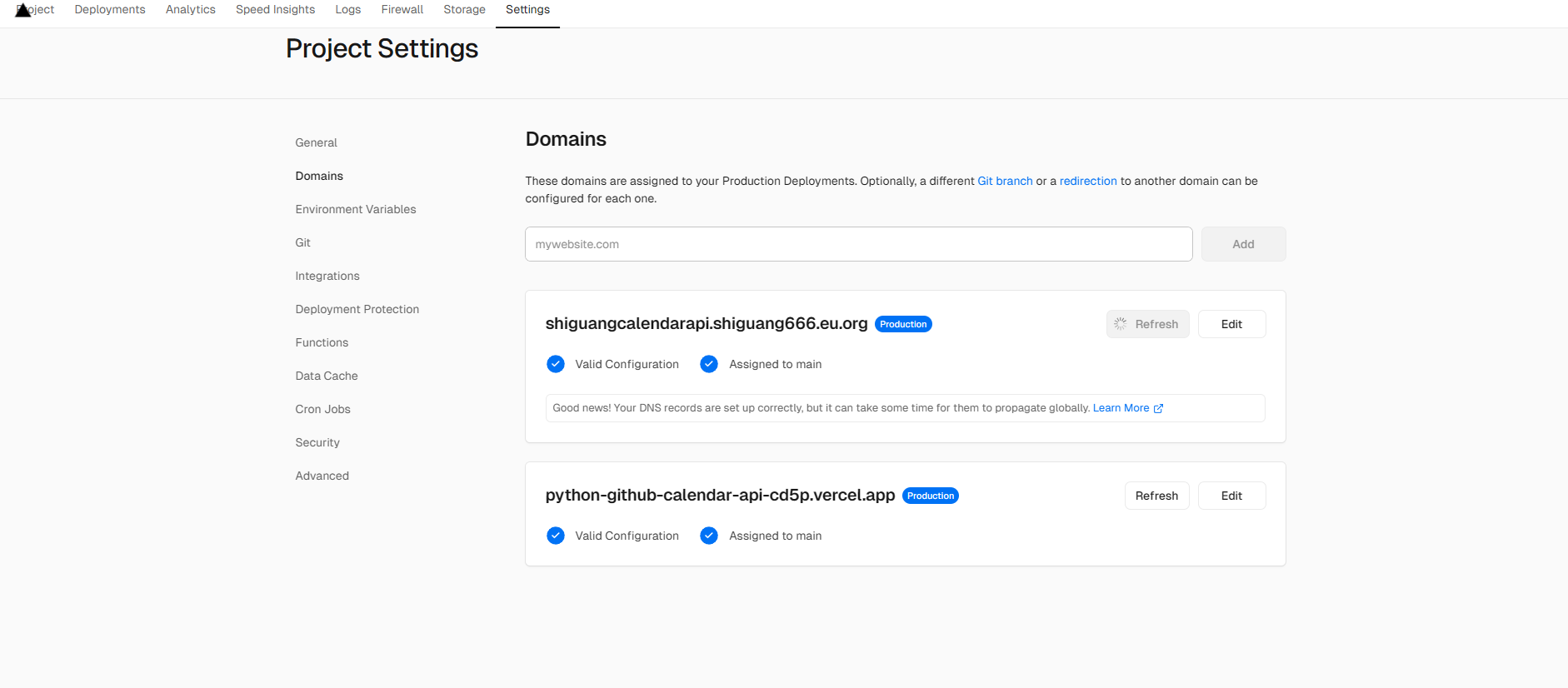
检验通过后可直接点击域名进行预览
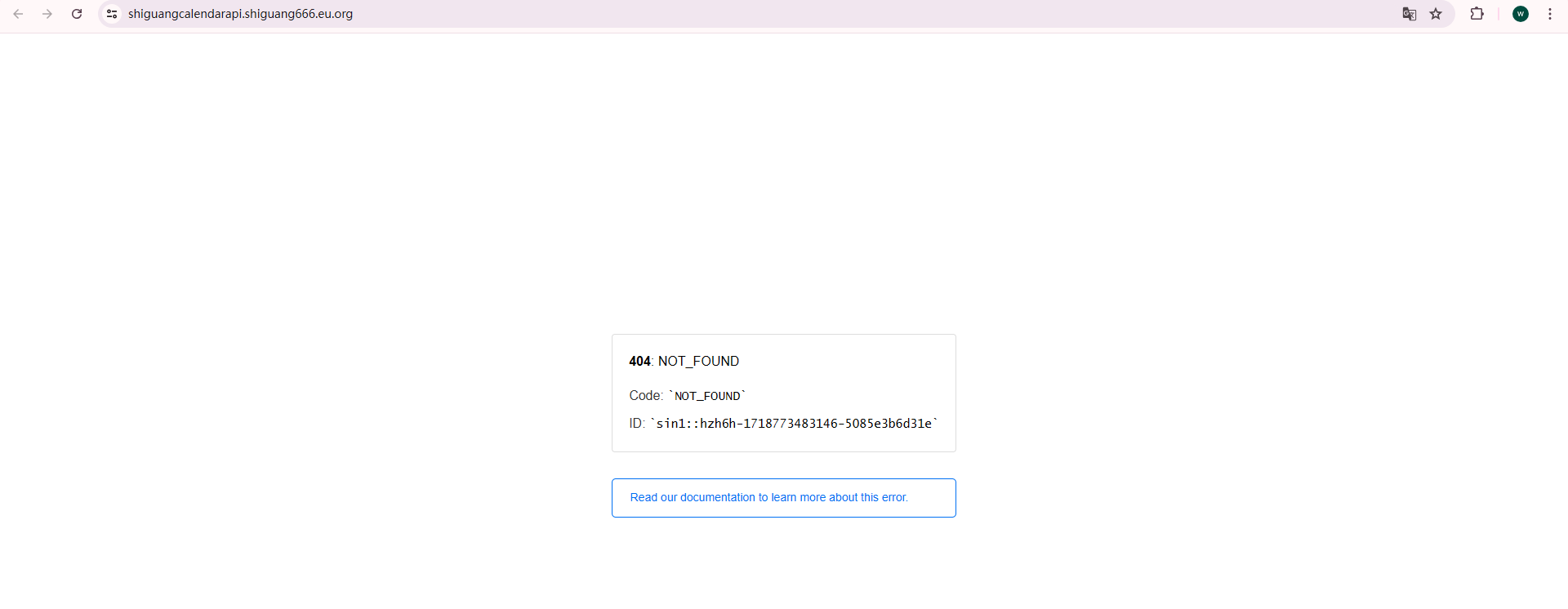
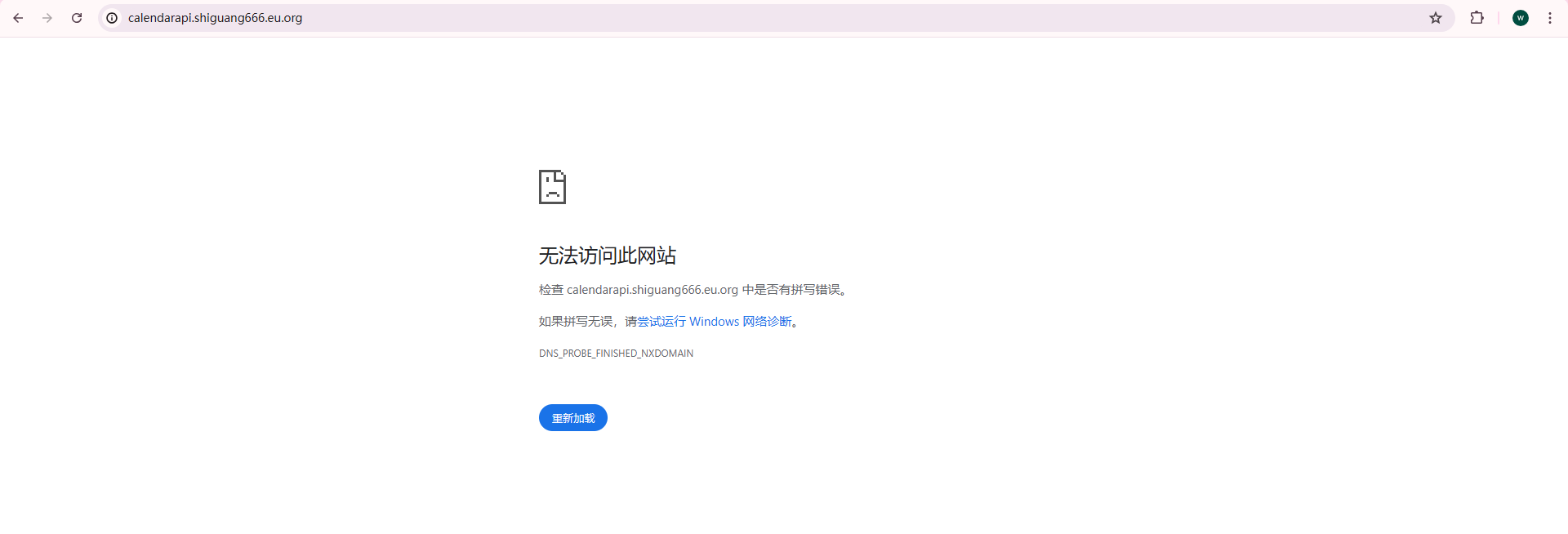
如果刷新多次访问均提示无法访问可尝试更换其他域名
提示404错误页面,可以忽略,我们实际访问的路径其实是 /api?user=xxxxx
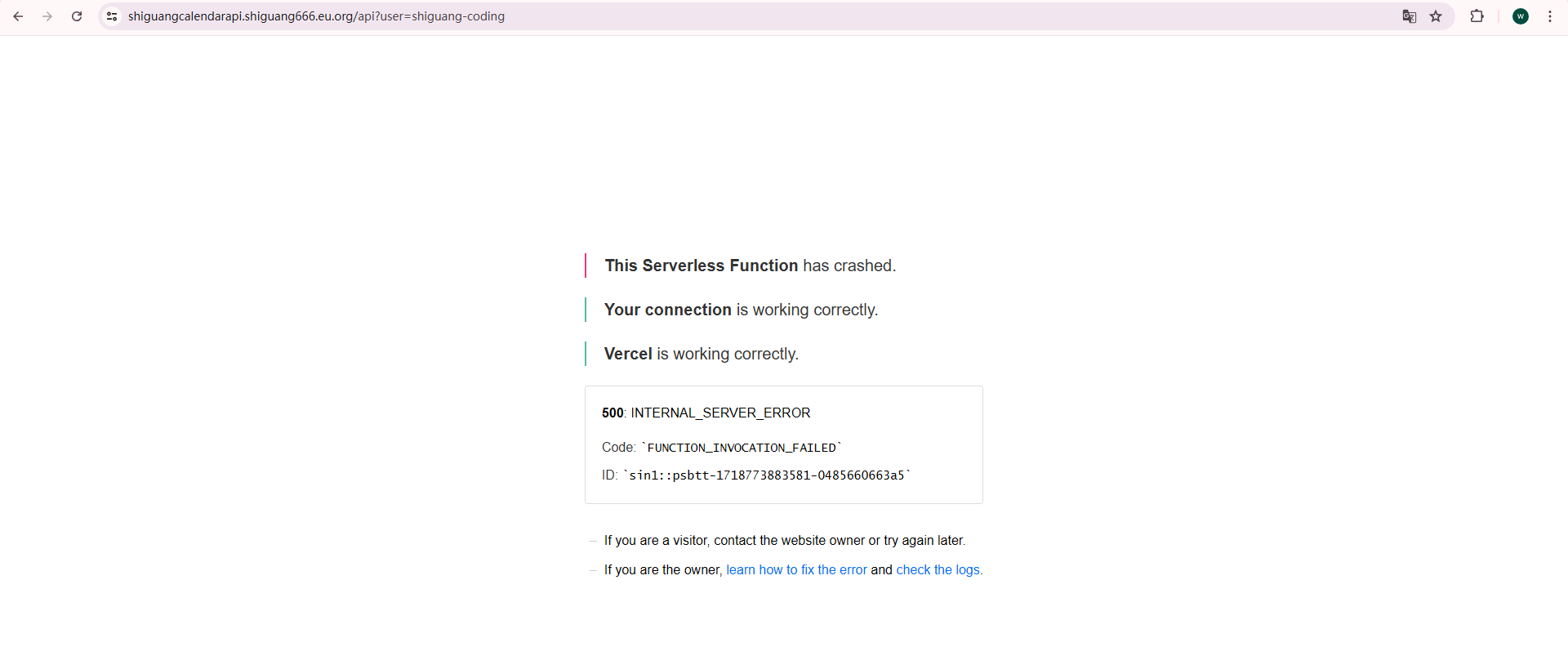
如果依然提示 INTERNAL_SERVER_ERROR 500错误,错误码 FUNCTION_INVOCATION_FAILED则说明当前
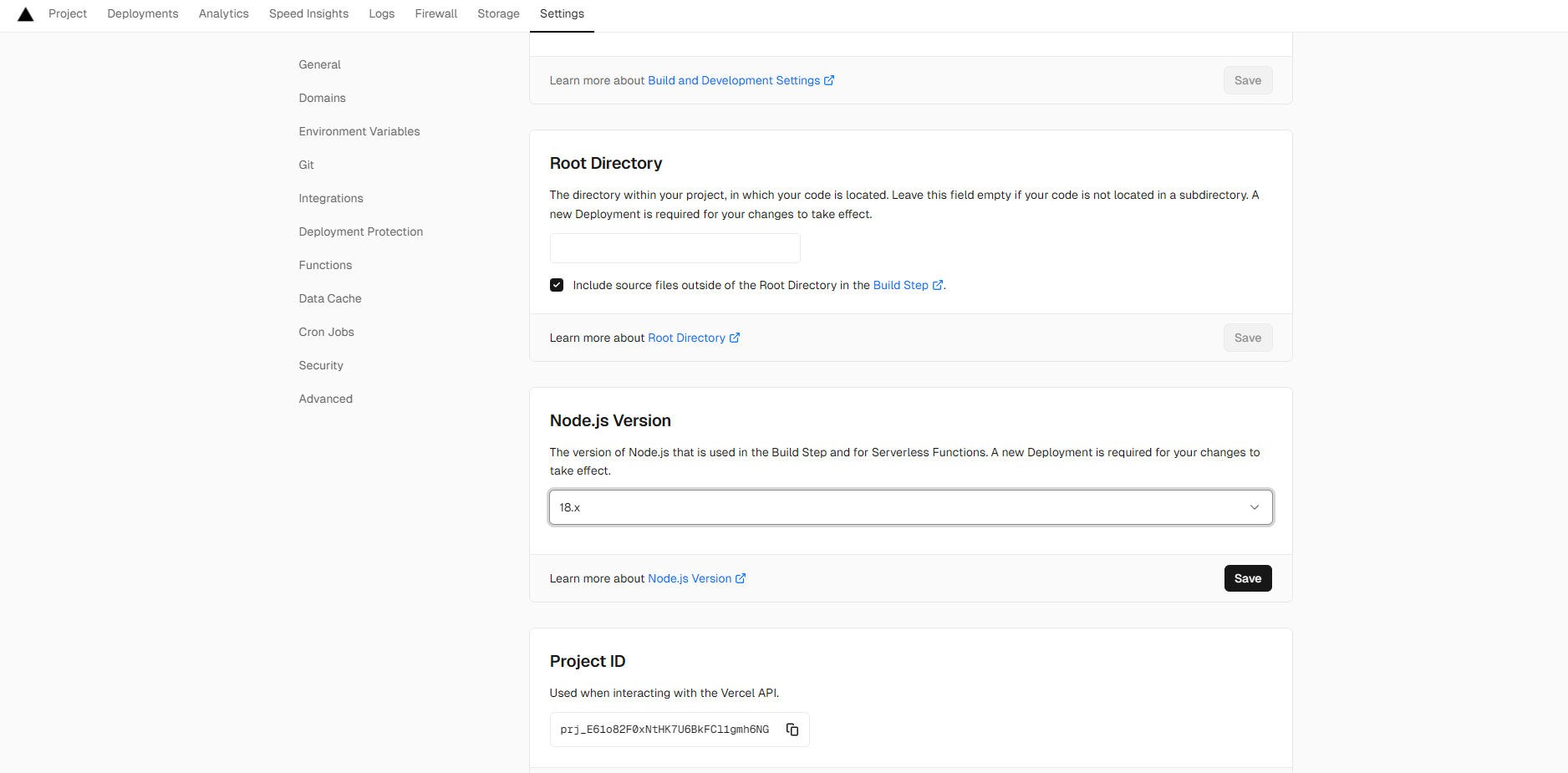
Node的版本不支持。
将默认Node版本从20.x 改为 18.x
保存后 打开 Deployments 页面 选择 Redeploy 进行重新部署
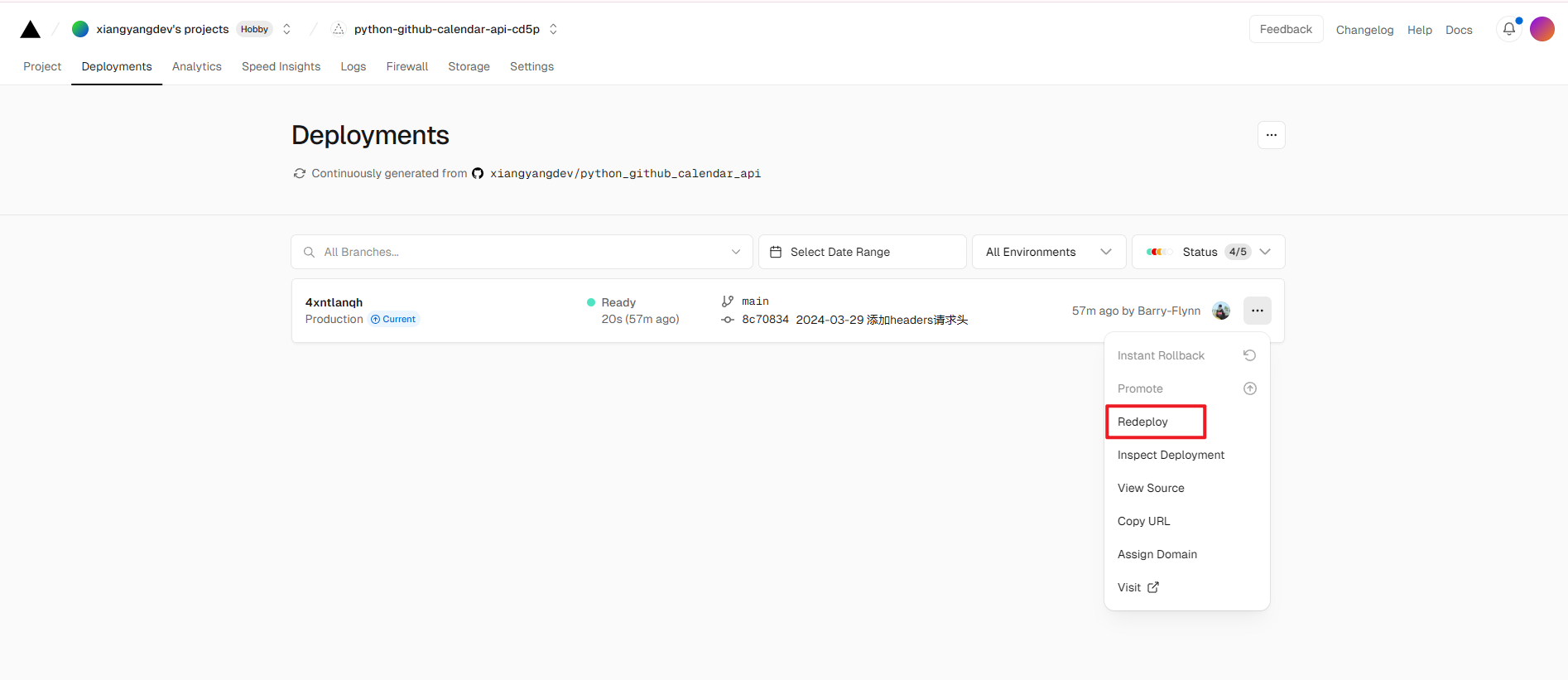
重新部署成功后再次刷新刚才的页面可以显示数据即代表部署完成
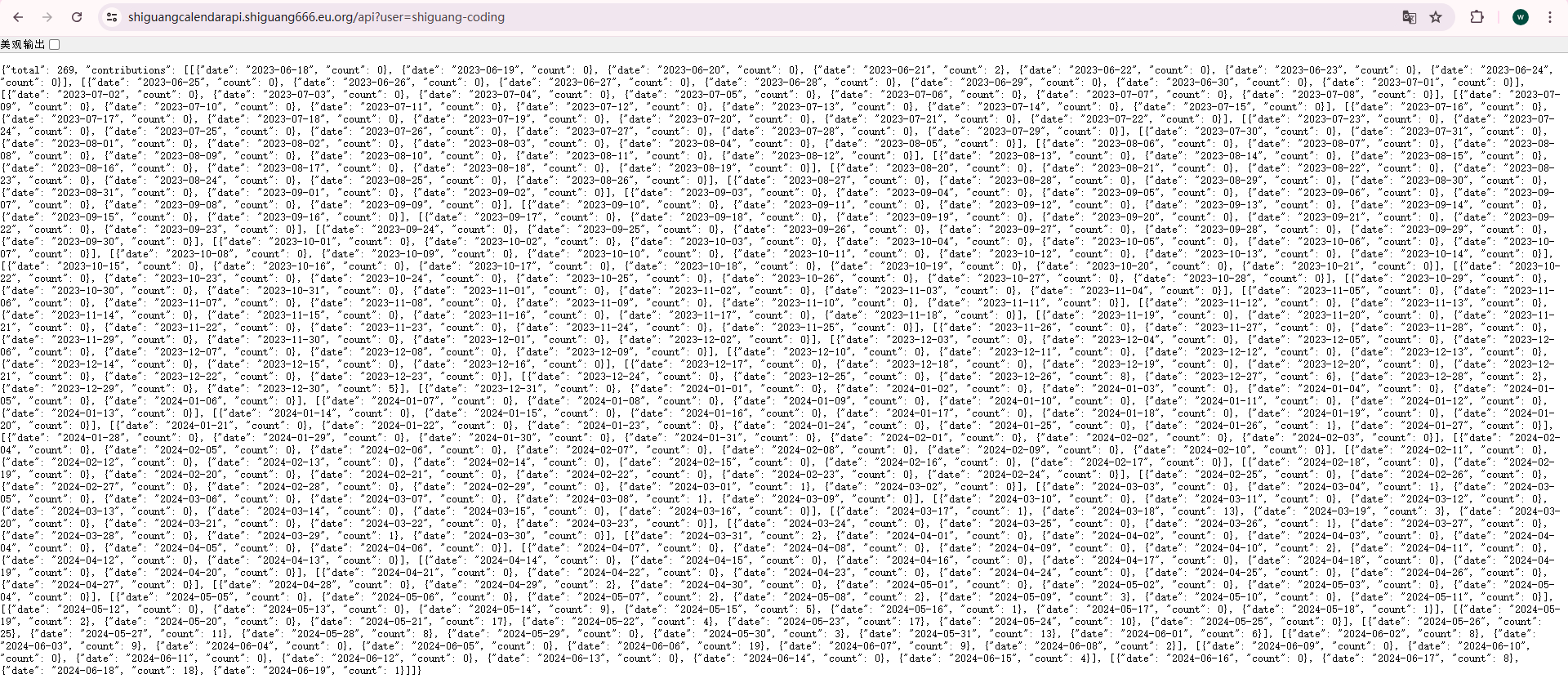
然后修改配置文件就可以使用你自己的API了
1 | githubcalendar: |
问题处理
最近发现重新加载npm依赖后可能会出现一个空白框
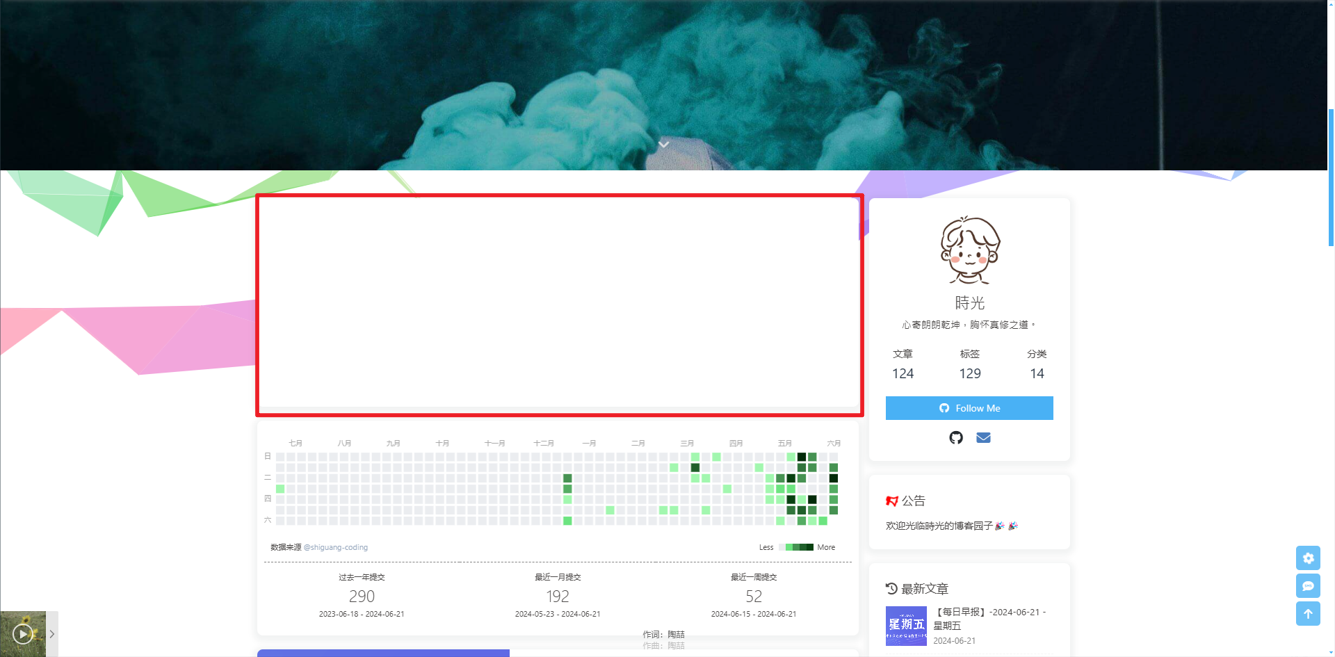
后台报错
1 | TypeError: Cannot read properties of undefined (reading 'length') |
解决方法:
删除博客根目录 node_modules下 hexo-github-calendar 文件夹以及博客根目录下 package.json 文件里 dependencies 引入的hexo-github-calendar 依赖
然后重新安装依赖
1 | npm i @shiguang-coding/hexo-github-calendar --save |
推荐使用 cnpm 安装
1 | cnpm i @shiguang-coding/hexo-github-calendar --save |
重新生成网页文件
1 | hexo g |