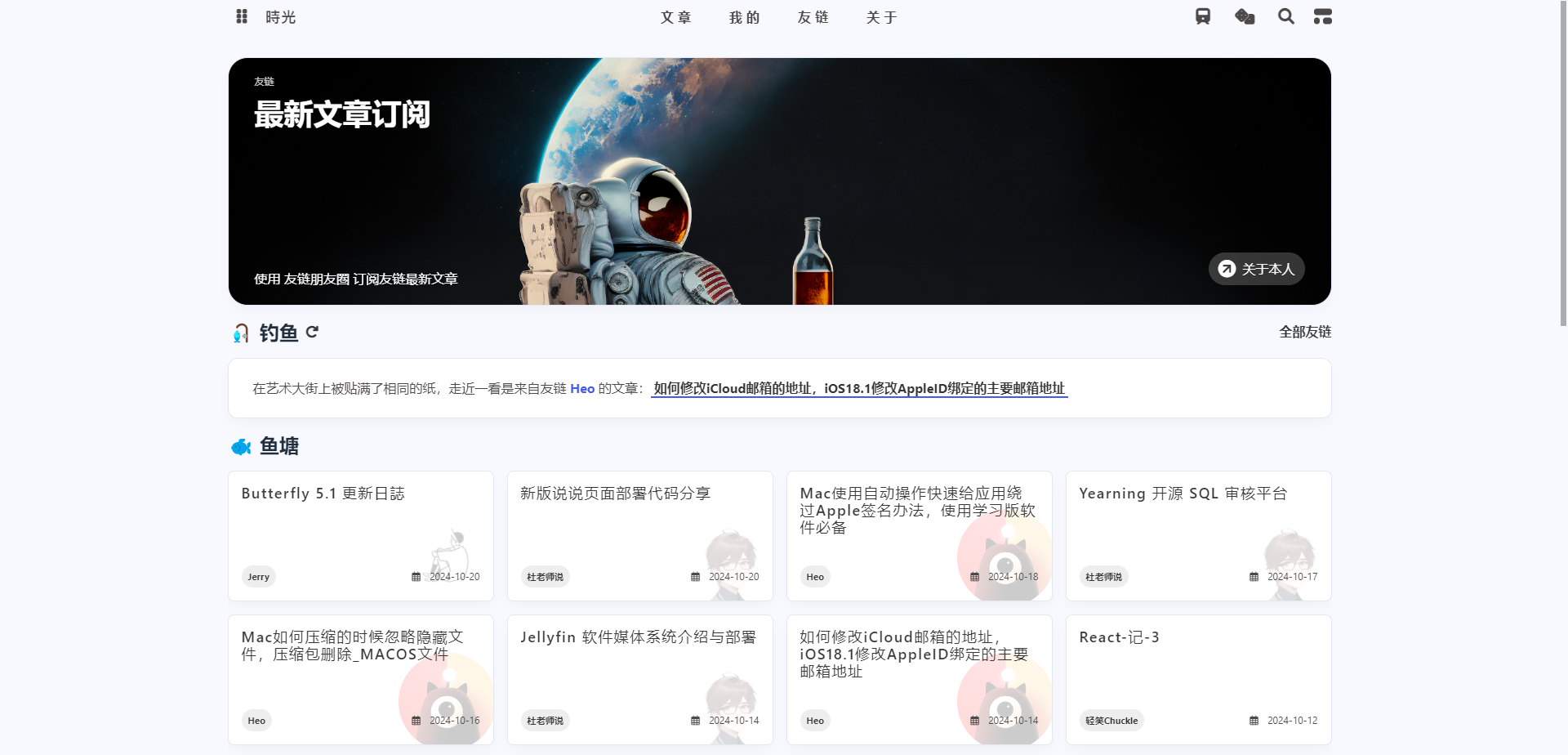
适配安知鱼主题和Solitude主题,我采用的是安知鱼主题,Solitude主题可参考教程
同时感谢@梦爱吃鱼 大佬的耐心指导和帮助,原文可参考
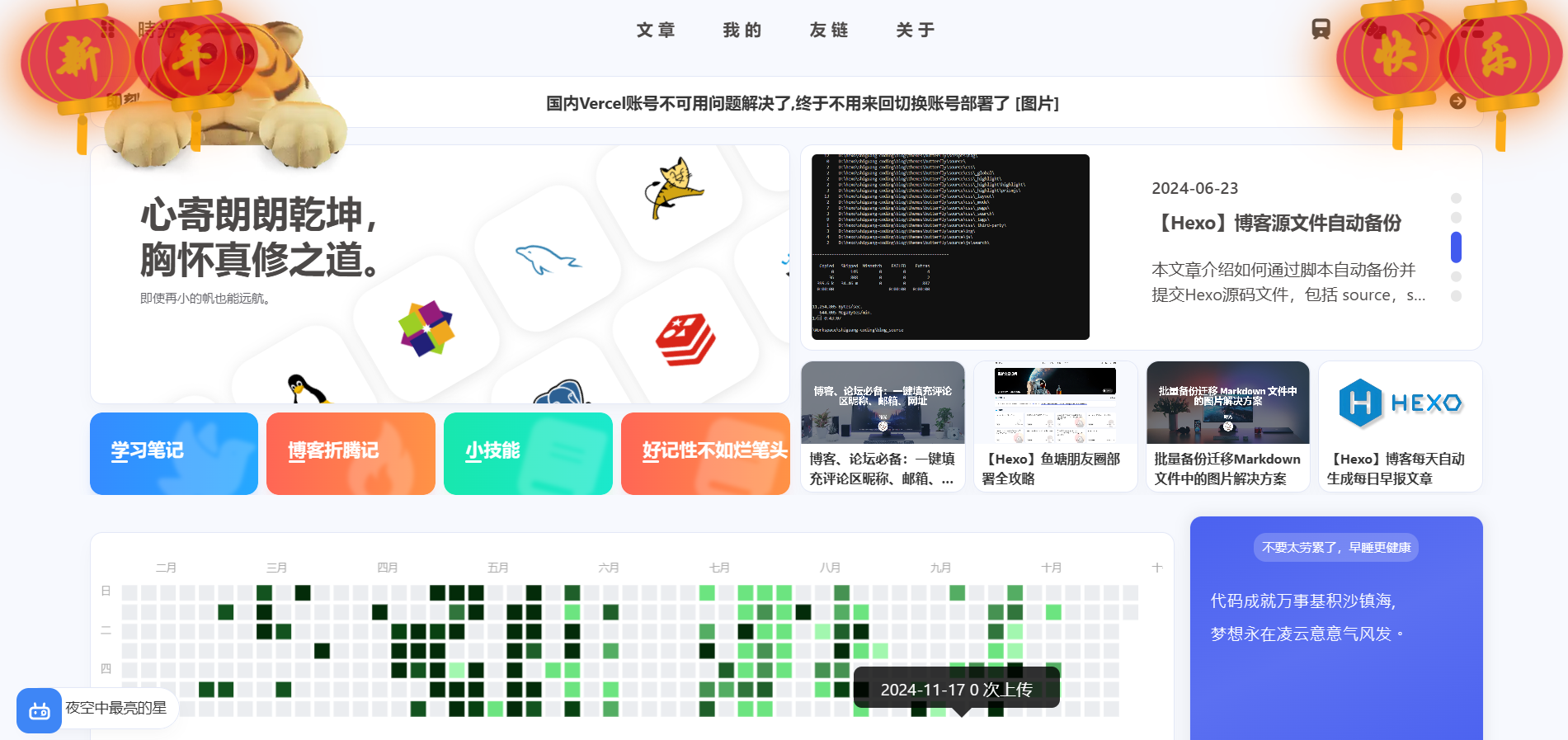
顶部挂件 页面左上角随机动物挂件
仅针对安知鱼主题,其他主题自行修改
可直接替换themes\anzhiyu\layout\includes\bbTimeList.pug文件中的内容
1
2
3
4
5
6
7
8
9
10
11
12
13
14
15
16
17
18
19
20
21
22
23
24
25
26
27
28
29
30
31
32
33
34
35
36
37
38
39
40
41
42
43
44
45
46
47
48
49
50
51
52
53
54
55
56
57
58
59
60
61
62
63
64
65
66
67
68
69
70
71
72
73
74
75
76
77
78
79
80
81
82
83
84
85
86
87
88
89
90
91
92
93
94
95
96
97
98
99
100
101
102
103
104
105
106
107
108
109
110
111
112
113
114
115
116
117
118
119
120
121
122
123
124
125
126
127
128
129
130
131
132
133
134
135
136
137
if site.data .essay each i in site.data .essay if i.home_essay - let onclick_value = theme.pjax .enable ? `pjax.loadUrl("/essay/");` : '' ; - let href_value = theme.pjax .enable ? 'javascript:void(0);' : `/essay/` ; #bbTimeList.bbTimeList .container i.anzhiyufont .anzhiyu -icon-jike.bber -logo.fontbold (onclick=onclick_value, title="即刻短文" , href=href_value, aria-hidden="true" ) #bbtalk.swiper -container.swiper -no-swiping.essay_bar_swiper_container (tabindex="-1" ) #bber-talk.swiper -wrapper (onclick=onclick_value) each i in site.data .essay each item, index in i.essay_list if index < 10 - var contentText = item.image ? item.content + ' [图片]' : (item.video ? item.content + ' [视频]' : item.content ) a.li -style.swiper -slide (href=href_value)= contentText a.bber -gotobb.anzhiyufont .anzhiyu -icon-circle-arrow-right (onclick=onclick_value, href=href_value, title="查看全文" ) img.con -animals.entered .loaded (id="new-con-animals" src="" ) script (src=url_for (theme.home_top .swiper .swiper_js )) style. #bbTimeList { position : relative; } .con -animals { display : block; position : absolute; max-width : 260px; top : -85px; z-index : 2 ; } @media screen and (max-width : 1200px) { .con -animals { display : none; } } script. window .lastImageUrl = window .lastImageUrl || '' ; function setRandomImage ( const img = document .getElementById ('new-con-animals' ); const imageUrls = [ "https://img.shiguang666.eu.org/file/1781511554544_20260615161902725.webp" , "https://i1.wp.com/ruom.wuaze.com/i/2024/10/18/901216.webp" ]; let randomImage; do { randomImage = imageUrls[Math .floor (Math .random () * imageUrls.length )]; } while (randomImage === window .lastImageUrl ); window .lastImageUrl = randomImage; if (img) { img.src = randomImage; } } function initializeDragImage ( const img = document .getElementById ('new-con-animals' ); const container = document .getElementById ('bbTimeList' ); if (!img || !container) return ; if (!window .lastImageUrl ) { setRandomImage (); } else { img.src = window .lastImageUrl ; } let isDragging = false , wasDragged = false , startX, startLeft; const containerWidth = container.clientWidth ; const imgWidth = img.clientWidth ; const maxLeft = containerWidth - imgWidth; const edgeThreshold = 20 ; let lastLeft = parseInt (localStorage .getItem ('imgPositionLeft' )) || 0 ; lastLeft = Math .min (maxLeft, Math .max (0 , lastLeft)); img.style .left = `${lastLeft} px` ; const savePosition = (left ) => localStorage .setItem ('imgPositionLeft' , left); img.addEventListener ('click' , () => { if (!wasDragged) { let currentLeft = lastLeft; let newLeft; if (currentLeft <= edgeThreshold) { newLeft = Math .min (currentLeft + 200 , maxLeft); } else if (currentLeft >= maxLeft - edgeThreshold) { newLeft = Math .max (currentLeft - 200 , 0 ); } else { newLeft = currentLeft + (Math .random () < 0.5 ? -200 : 200 ); newLeft = Math .max (0 , Math .min (newLeft, maxLeft)); } if (newLeft !== lastLeft) { lastLeft = newLeft; img.style .left = `${newLeft} px` ; savePosition (newLeft); } } }); img.addEventListener ('mousedown' , (e ) => { isDragging = true ; wasDragged = false ; startX = e.clientX ; startLeft = lastLeft; img.style .transition = 'none' ; const onMouseMove = (e ) => { if (!isDragging) return ; wasDragged = true ; const offsetX = e.clientX - startX; lastLeft = Math .max (0 , Math .min (startLeft + offsetX, maxLeft)); requestAnimationFrame (() => { img.style .left = `${lastLeft} px` ; }); }; const onMouseUp = ( isDragging = false ; img.style .transition = 'left 0.5s ease-in-out' ; savePosition (lastLeft); document .removeEventListener ('mousemove' , onMouseMove); document .removeEventListener ('mouseup' , onMouseUp); }; document .addEventListener ('mousemove' , onMouseMove); document .addEventListener ('mouseup' , onMouseUp); }); } document .addEventListener ('DOMContentLoaded' , initializeDragImage); document .addEventListener ('pjax:success' , initializeDragImage);
页脚挂件 页脚挂件如下所示
1、开启主题配置footerBar功能
1
2
footerBar: enable: true
2、创建footer-animal.js
此处我的存放路径为:blog\themes\anzhiyu\source\js\custom\footer-animal.js,粘贴以下内容:
1
2
3
4
5
6
7
8
9
10
11
12
13
14
15
16
17
18
19
20
21
22
23
24
25
26
27
28
29
30
31
32
33
34
35
36
37
38
39
40
41
42
43
44
45
46
47
48
49
50
51
function initFooterAnimal const footerBar = document.querySelector('#footer-bar' ); if (!footerBar) return console.error('找不到指定元素' ); const footerAnimal = document.createElement('div' ); footerAnimal.id = 'footer-animal' ; footerAnimal.innerHTML = ` <img class="animal entered loaded" src="https://img.shiguang666.eu.org/file/1778492004990_473503.webp" alt="动物" /> `; footerBar.insertAdjacentElement('beforebegin' , footerAnimal); const style = document.createElement('style' ); style.textContent = ` position: relative; } content: '' ; position: absolute; bottom: 0; width: 100%; height: 36px; background: url(https://i1.wp.com/ruom.wuaze.com/i/2024/10/19/351933.webp) repeat center / auto 100%; box-shadow: 0 4px 7px rgba(0,0,0,.15); } .animal { position: relative; max-width: min(974px, 100vw); margin: 0 auto; display: block; } margin-top: 0 !important; } @media screen and (max-width: 1023px) { height: 4vw; } } [data-theme=dark] filter: brightness(.8); } `; document.head.appendChild(style); } document.addEventListener('DOMContentLoaded' , initFooterAnimal); document.addEventListener('pjax:success' , initFooterAnimal);
3、引入自定义js
1
2
3
4
inject: bottom: - <script src="/js/custom/footer-animal.js" defer></script>
4、执行命令三连
1 hexo cl && hexo g && hexo s